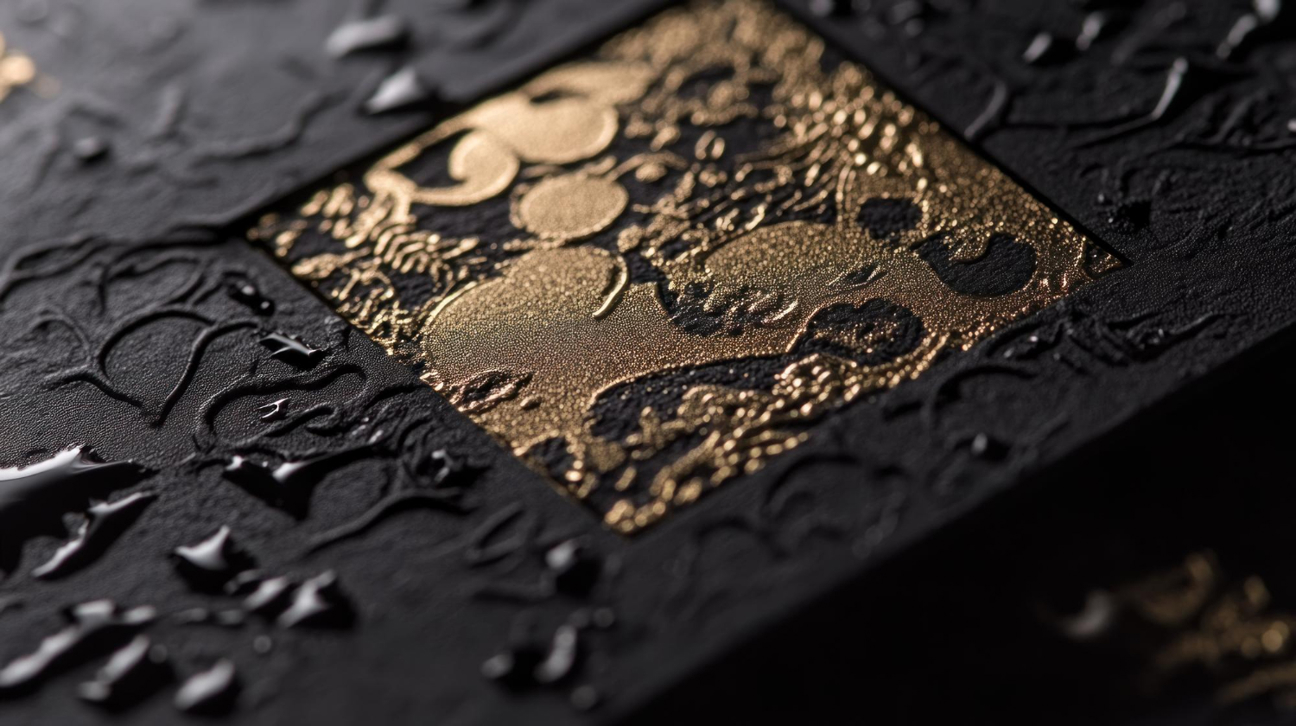
A print is only as strong as its finish. Our fully in-house binding and finishing facilities guarantee speed, quality, and design flexibility from start to finish. We transform printed sheets into lasting products — from classic hardcovers to intricate specialty finishes.
PDF: The most widely accepted format for print, preserving all design elements, fonts, and colors. Use PDF/X standards (like PDF/X-1a or PDF/X-4) for better compatibility.
AI (Adobe Illustrator): Ideal for vector graphics and illustrations. Ensure you save your files as a compatible version (e.g., CS6 or earlier) if sharing with others who may not have the latest software.
INDD (Adobe InDesign): Best for multi-page documents such as brochures and magazines. Package your InDesign file to include all linked images and fonts.
Images: Ensure images are at least 300 DPI (dots per inch) for high-quality prints. Low-resolution images (72 DPI) may appear pixelated and unprofessional in print.
Vector Graphics: Vector images can be scaled without losing quality, making them perfect for logos and illustrations. Always prefer vector formats for graphics that require scaling.
Always embed fonts in your PDF to prevent substitution issues that can alter the design. Check your software settings to ensure fonts are properly embedded.
Convert text to outlines in vector files to ensure consistent appearance across different systems. This is particularly important for unique or custom fonts.
Convert all files to CMYK color mode. This is essential, as printers use cyan, magenta, yellow, and black inks to produce colors.
Color Profiles: Use standard color profiles like ISO Coated v2 or GRACoL 2013 for most print jobs to ensure consistency. Always include the color profile in your PDF settings.
PMS Colors: If specific brand colors are critical, use Pantone Matching System (PMS) colors. Clearly indicate PMS colors in your files, especially for logos and key design elements. Provide a PMS color swatch in your documentation for reference.